
Free planBestTrack feature article
Store-domain tracking page
A self-serve tracking page that looks like your store, not a third-party carrier site.
What this feature does
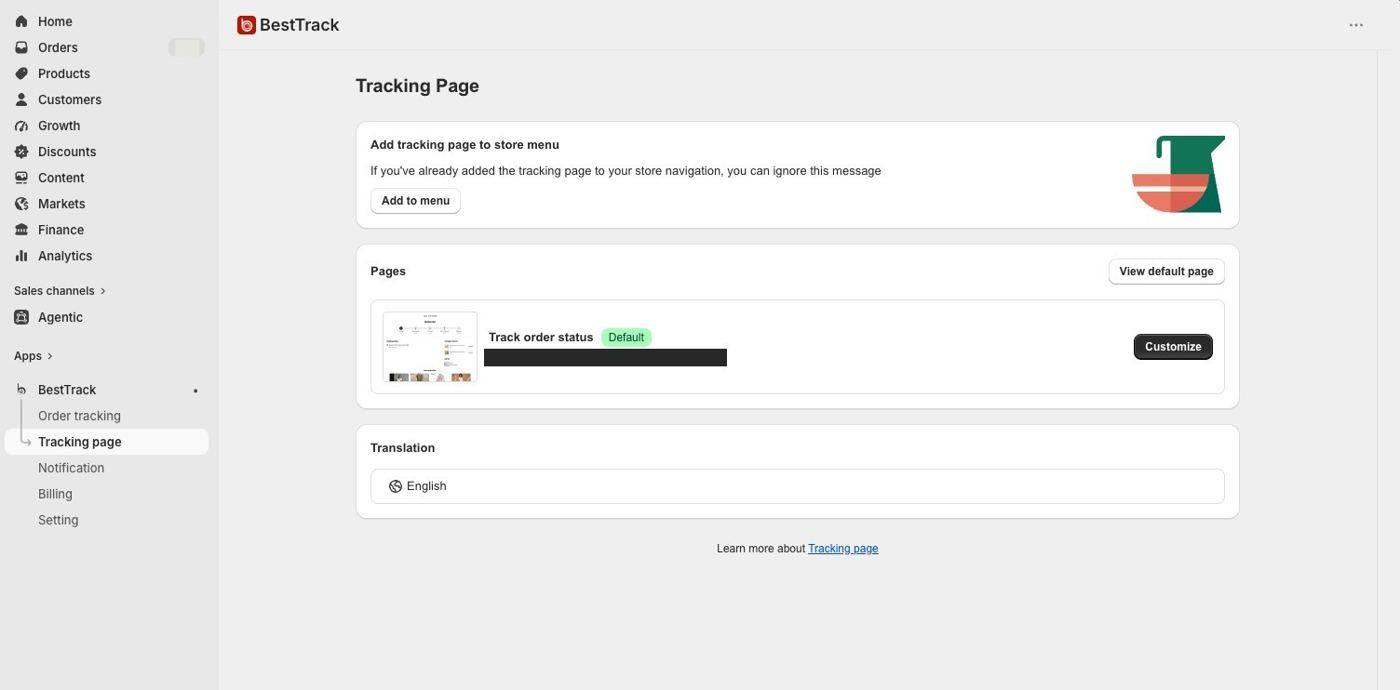
- Host the tracking page on your own store domain.
- Add the tracking page to your store menu with a custom menu-item label, then choose the main menu or footer position.
- Reopen the setting to see the saved configuration; publishing an edit replaces the previous configuration instead of creating a duplicate menu item.
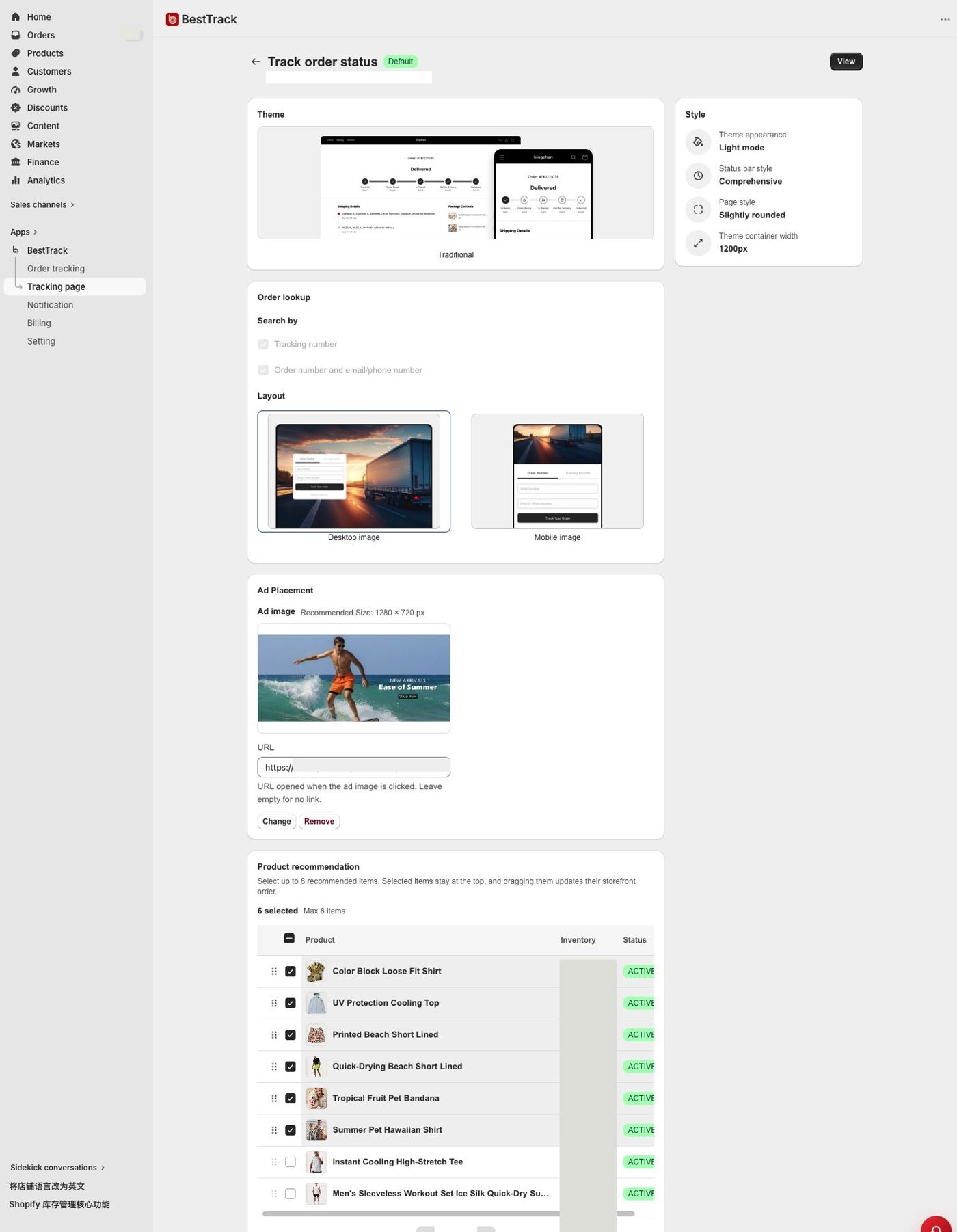
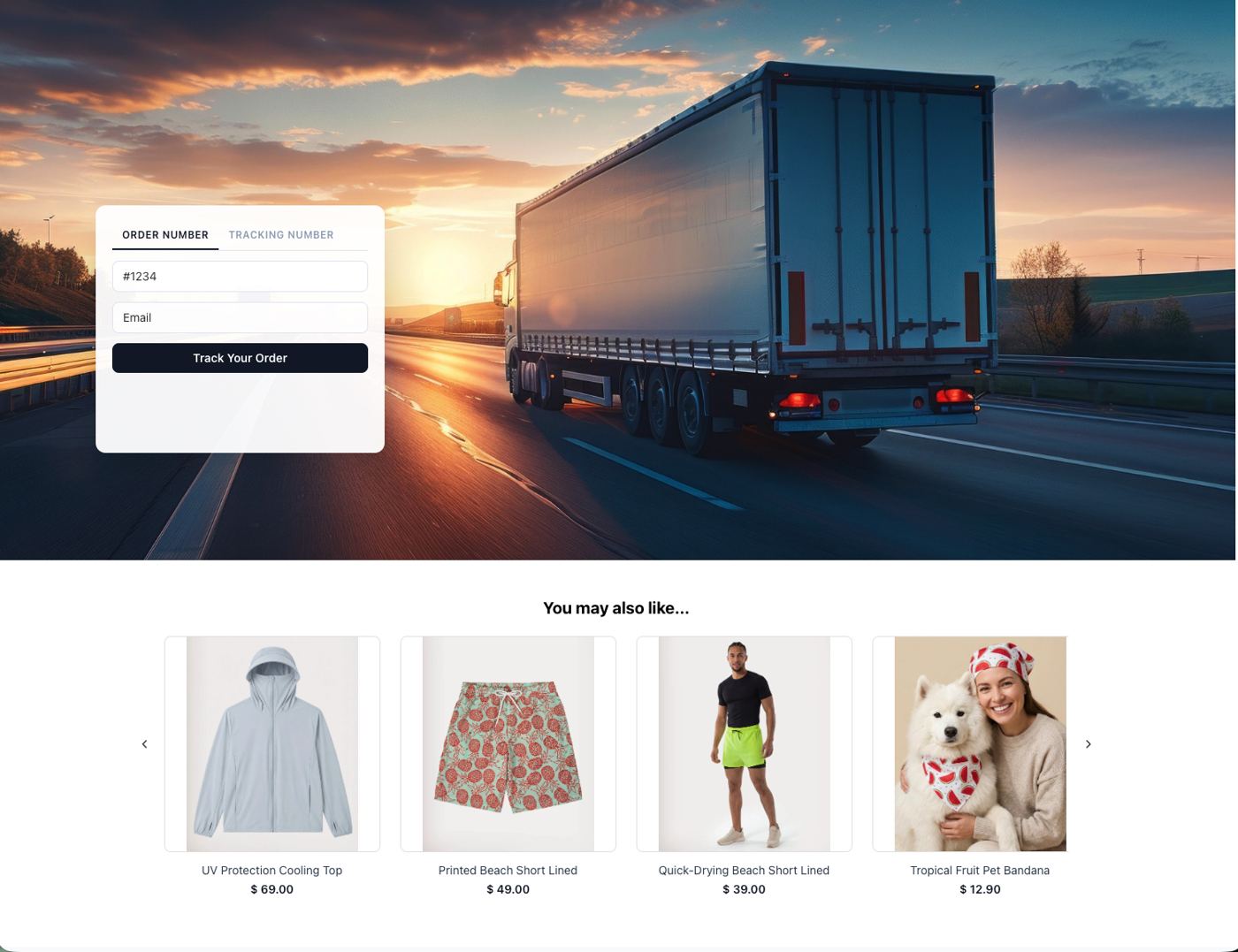
- Let customers search by tracking number, or by order number plus email.
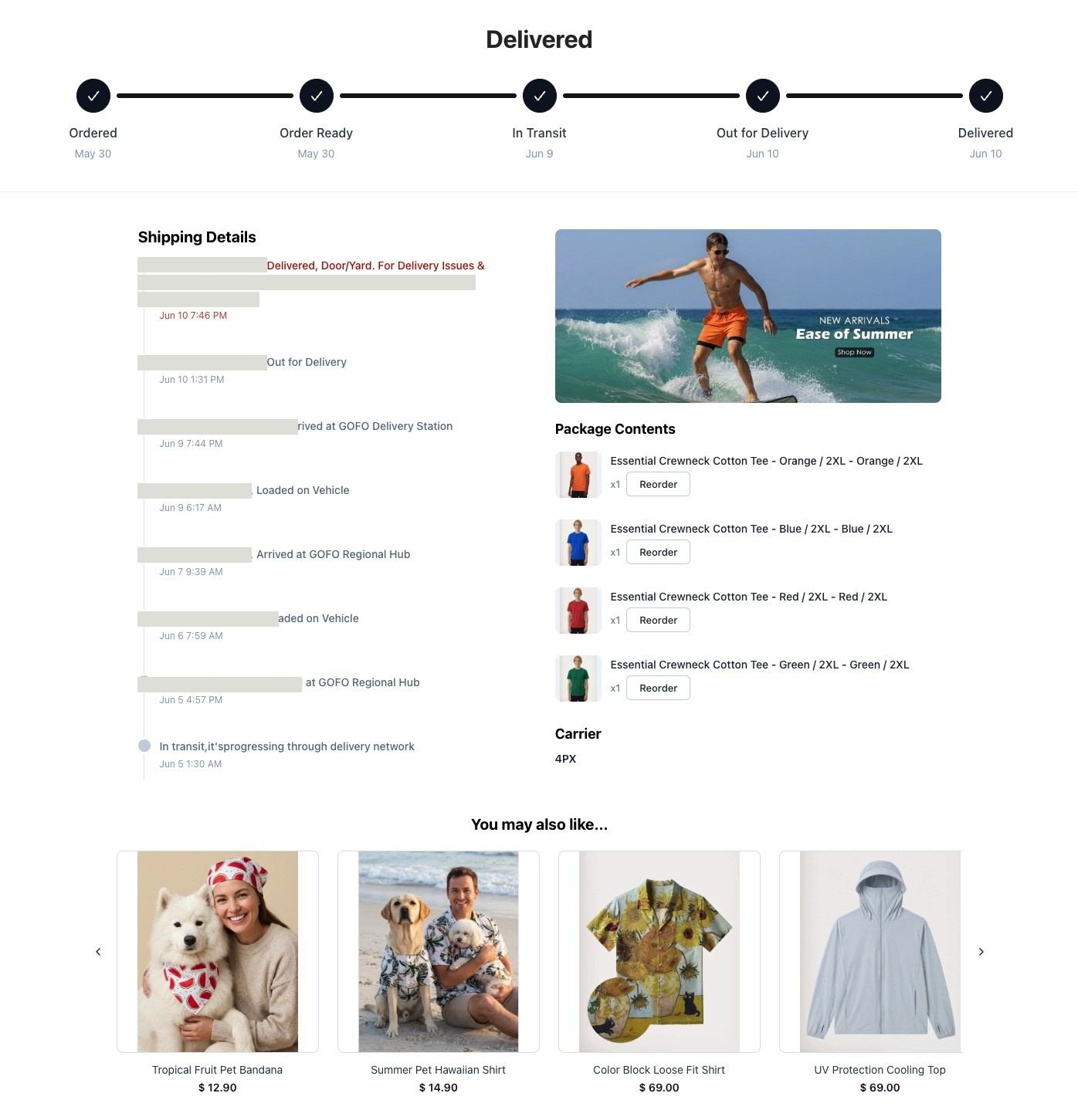
- The confirmed query response can include multiple packages, carriers, tracking events and related item details.
- Free includes an advertising image and optional link on the customer tracking page.
- The proxy API can translate raw event descriptions and locations for selected languages when the customer page sends a language parameter.
- Free includes EDD and configurable product recommendations. Contact support to remove the BestTrack watermark.