
Free planBestTrack feature article
Region blocking
Hide location fields that match editable English keyword rules while keeping shipment statuses visible.
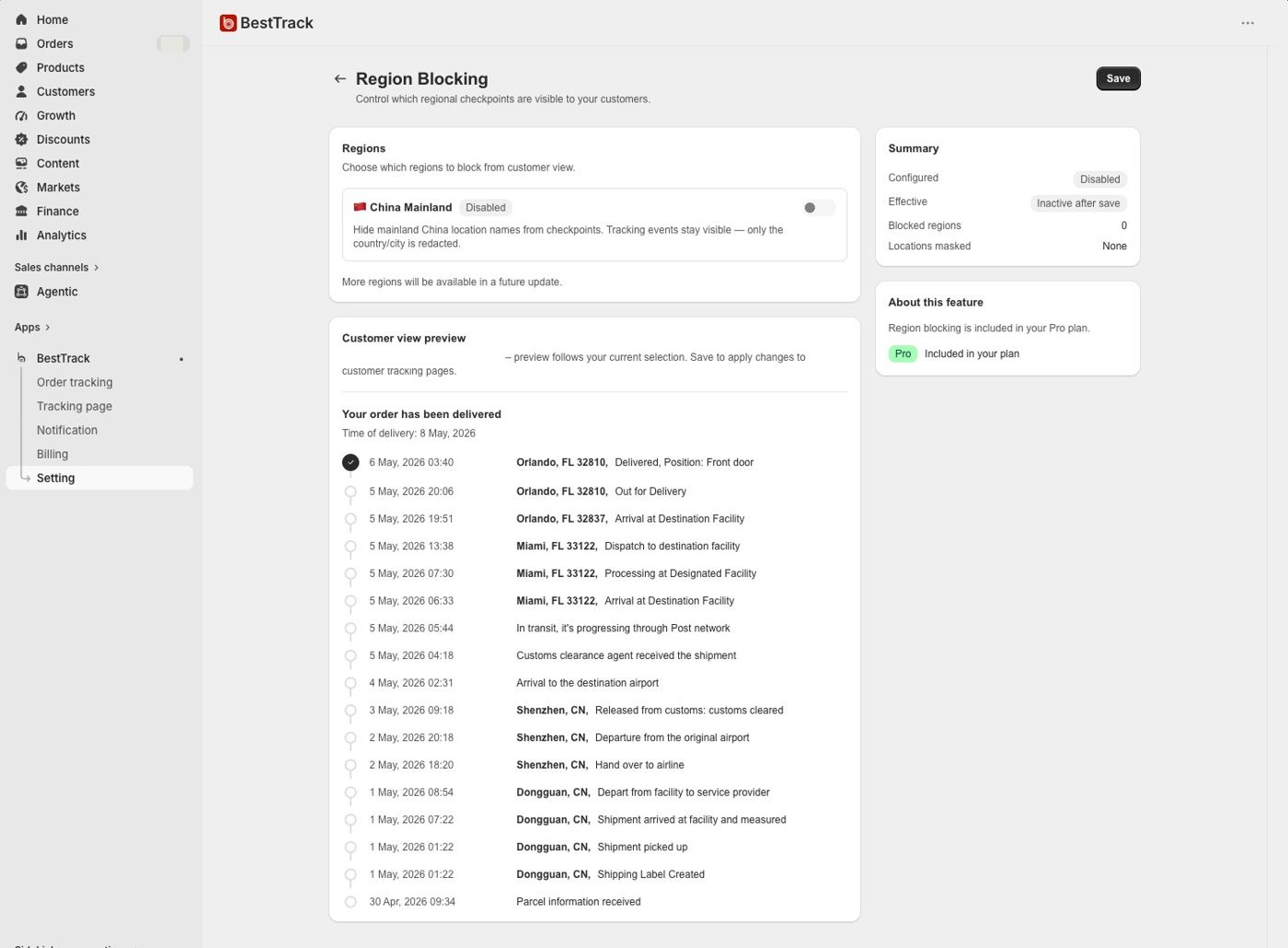
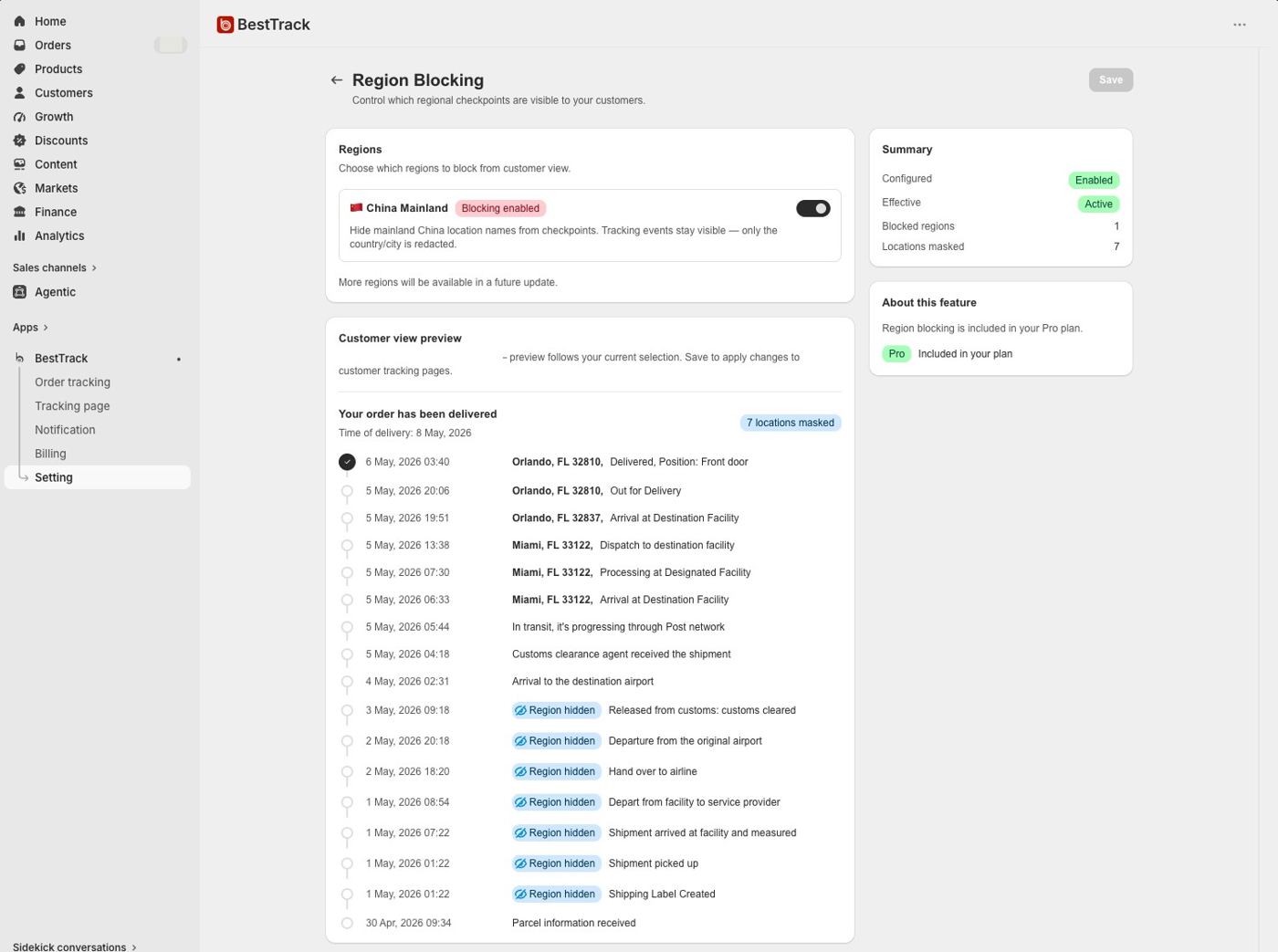
What this feature does
- Hide country, state, city, street and other mainland China location details from the customer timeline.
- Keep every shipment event and status visible; Region Blocking removes location details, not tracking updates.
- Use editable English keywords to hide matching country, state, city, street and other location fields from the customer timeline.
- Add or remove English keywords; the admin blocks Chinese and duplicate keywords.
- Dropshipping Mode must remain enabled for Region Blocking to affect the customer response.
- Dropshipping Mode is off by default. Enable it to show custom checkpoints and apply location masking.
- Included in the Free plan as part of Dropshipping Mode.