
Free planBestTrack feature article
Automatic notifications
Keep customers updated automatically so they do not need to ask where an order is.
What this feature does
- Send customer emails as shipments move through the delivery journey.
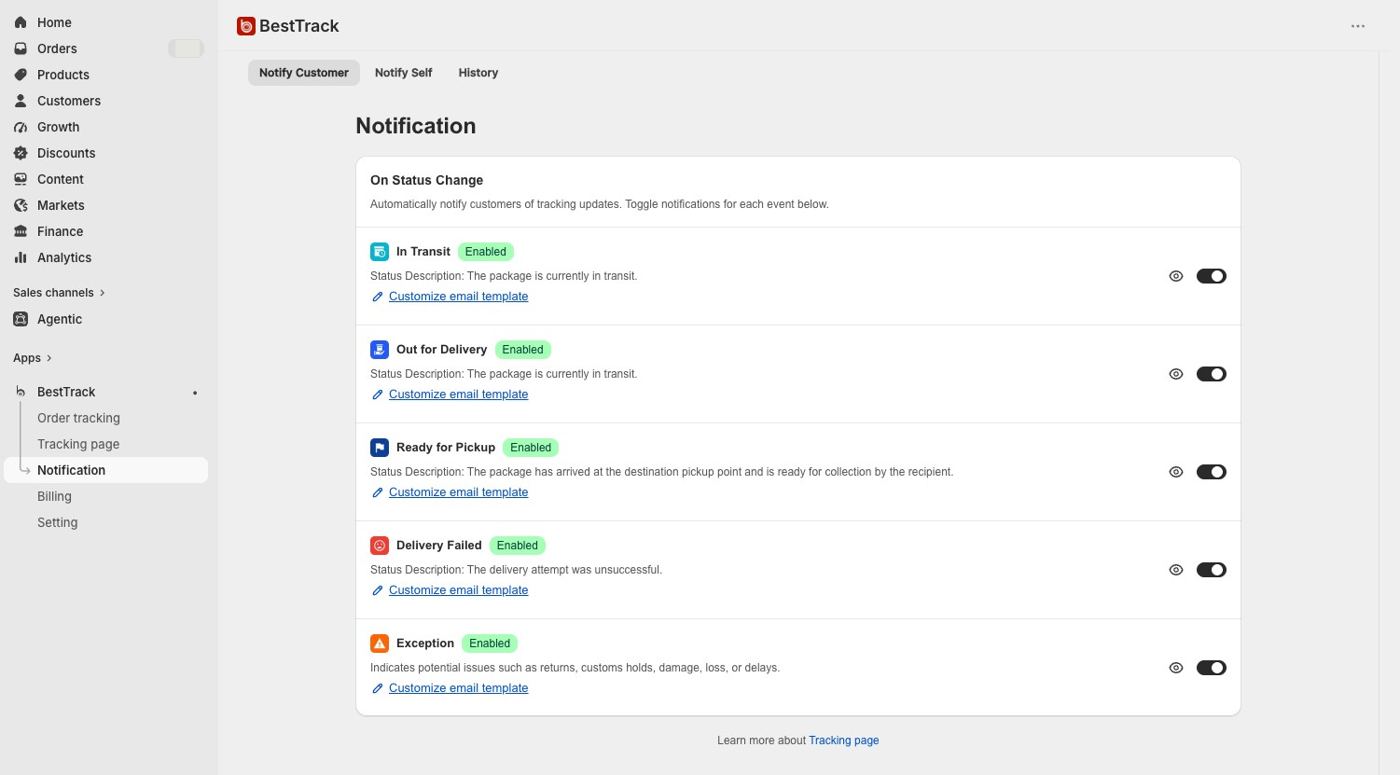
- Enable five configurable shipment events: In Transit, Out for Delivery, Ready for Pickup, Delivery Failed and Exception.
- A separate Custom Checkpoint Reached event can email customers when an applied pre-shipment flow begins.
- Enable or disable each event independently; notification switches are off by default.
- Start with a ready-to-use default template for every event.
- Search the full send history by tracking number or recipient email.
- Detect exceptions including returns, customs holds, damage, loss and delays.